Line drawings
Occasionally you need to convey a form in the least amount of lines. I like this minimalist style. The varying line weights portray movement and shape without the added complexity of shading.

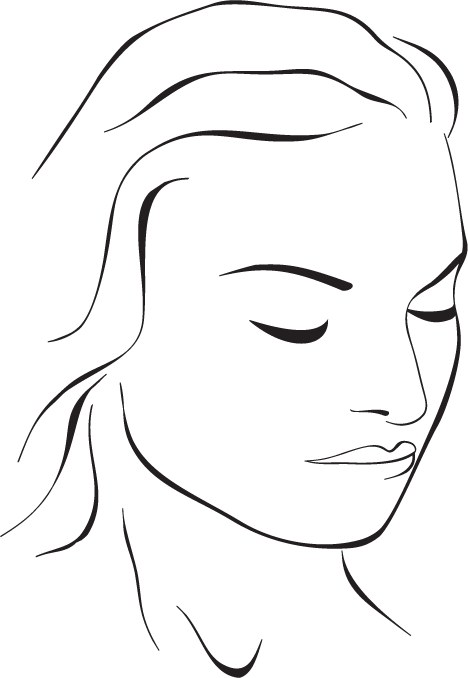
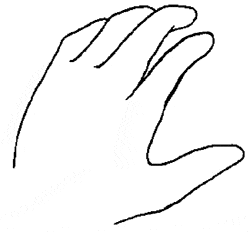
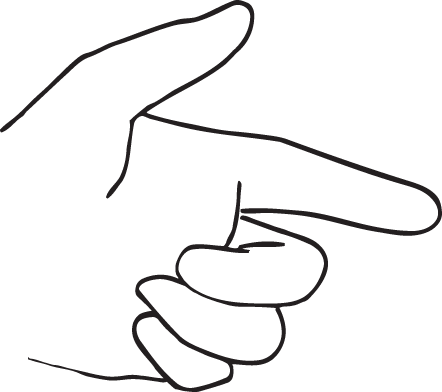
Occasionally you need to convey a form in the least amount of lines. I like this minimalist style. The varying line weights portray movement and shape without the added complexity of shading.
This particular illustration was a personal favorite of mine. I was part of a team that designed this tanning bed, as well as a full line of others, for the 2010 manufacturing year. Designed with ergonomics, energy efficiency and easy maintenance as their defining characteristics, the line of beds became known as e3. They were met with overwhelming praise throughout the industry as some of the best looking and best performing units.
Over in the web design section of this site, you will find a listing for a site called Tanning-Bed-Parts.com. This illustration was made specifically for that site to help customers identify key service parts. The Macromedia Freehand drawing contained a vast majority of the parts used to manufacture the beds. The detail that went into creating this drawing made it a wonderful challenge.

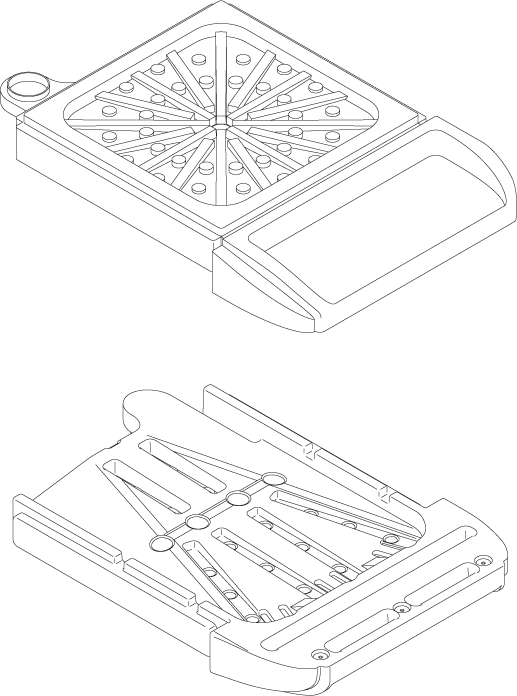
One of the products the company I worked for manufactured was a spray tanning booth. At the base of the booth was this plastic tub that caught any over spray and cleaning solution. What made this particular piece challenging to draw were all the rounded edges. There were no square corners on the entire piece.
In the end, this drawing turned out as a nice example of my particular drawing style, devoid of extraneous lines yet quite detailed and easy to recognize if you had it sitting in front of you.
While I love creating fanciful and whimsical artwork, my formal training in college was in technical illustration. I learned how to read blueprints and engineering drawings and turn them into “3-D” illustrations.
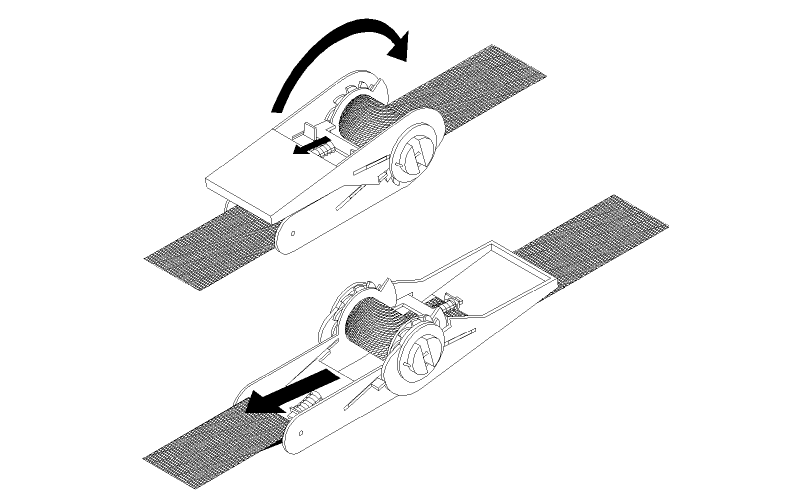
Oftentimes I had no print to work from and had to simply observe an object and measure its dimensions, as was the case with this ratchet strap.
Most of my technical illustrations were done in Macromedia Freehand, which is, sadly, no longer available. I still keep an old copy of the software to work in as I find it so familiar and powerful for this type of work.
I have always been fascinated by robots. When I was a kid, I tinkered with electronics. There was this company called Heathkit which specialized in electronics kits, including an awesome robot kit. I never did get that kit, although I still have the digital alarm clock I made when I was in my early teens.
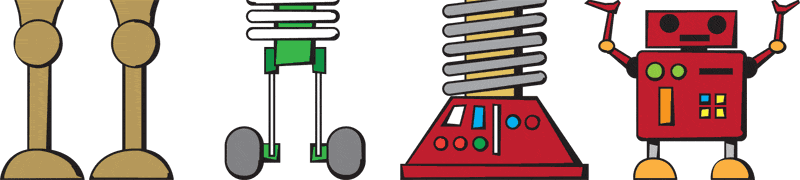
Adding robots to my site just sort of happened. I wanted to add a little whimsy and fun. What better way to do that than with robots and monsters? (maybe a few dinosaurs)
Each of the illustrations below were made in Adobe Illustrator and prepared for the web in Photoshop.
Having worked for so long in a technical environment, I wanted to branch out and return to my roots as an artist. Art, for me, has always been about enjoyment. I wanted to create a fun site that reflected another side of my personality.
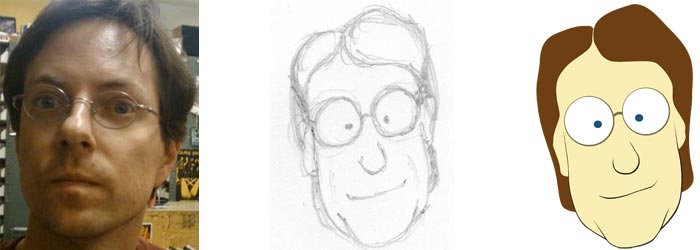
This image was developed as a logo for this site. Looking at a picture of myself, I sketched a cartoon version. After scanning I traced it in Adobe Illustrator and added a little style. Bringing the illustration into Photoshop, I further refined the image into what you see at the top of my site.
Here you can see the progression of things as I turned my face into a cartoon.
Recent Comments